
Creating a comfortable and productive home office space is essential for anyone working remotely or studying from home. A well-designed workspace not only improves your efficiency but also supports your wellbeing throughout the day. In this guide, we’ll explore practical tips to help you set up an inviting and functional home office that meets your needs.
Choosing the Right Location
Find a Quiet Spot
Selecting a quiet corner in your home is the first step. Ideally, choose a room or area that is free from distractions such as household noise or high foot traffic. A dedicated space helps your brain associate the area with work, boosting focus.
Consider Natural Light
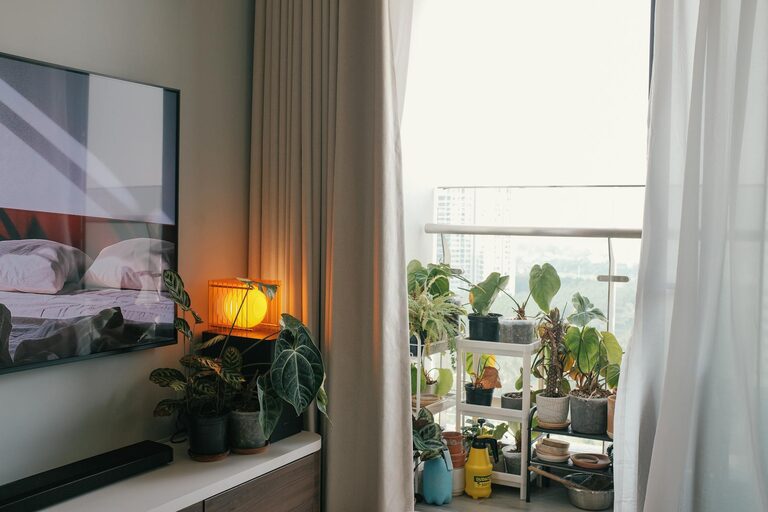
Natural light positively impacts mood and productivity, so try to position your desk near a window. However, avoid glare on your computer screen by placing the desk at an angle to the window or using adjustable blinds.
Selecting Comfortable Furniture
Invest in an Ergonomic Chair
Comfort is key when sitting for long hours. An ergonomic chair with good lumbar support, adjustable height, and armrests will reduce strain on your back and neck.
Choose a Suitable Desk
Your desk should be the right height to allow your arms to rest comfortably while typing. If possible, consider a sit-stand desk that lets you alternate between sitting and standing throughout the day.
Organising Your Workspace
Keep Essentials Within Reach
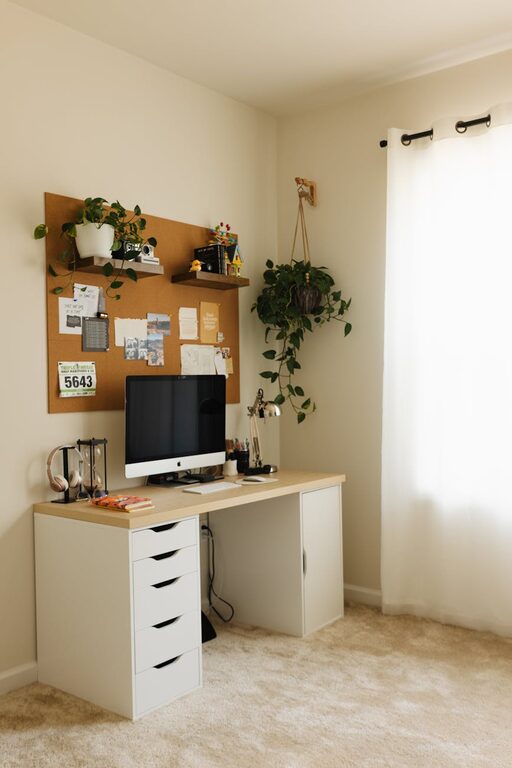
Arrange frequently used items like pens, notebooks, and chargers close to hand to minimise interruptions. Use organisers such as trays, holders, or drawers to keep clutter at bay.
Use Storage Solutions
Shelves, filing cabinets, or wall-mounted storage can help keep papers and supplies tidy. A clear workspace encourages concentration and reduces stress.
Optimising Technology and Equipment
Invest in Reliable Technology
Ensure your computer, internet connection, and peripherals like a keyboard and mouse are reliable and suitable for your work tasks. Consider using a second monitor if your work involves multitasking.
Manage Cables and Power
Use cable organisers or clips to keep wires tidy and prevent tangling. Position your power outlets for easy access and reduce tripping hazards.
Creating a Personalised Environment
Add Personal Touches
Incorporate items that inspire you, such as photos, plants, or artwork. Plants also improve air quality and add a calming presence.
Control Lighting
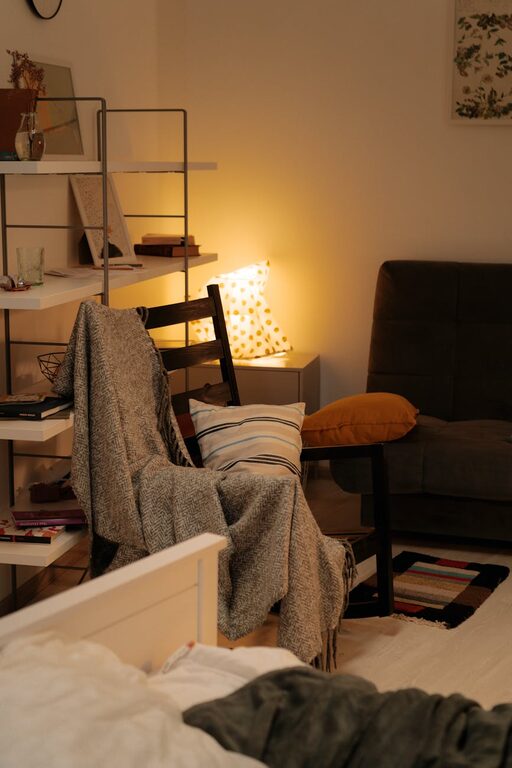
In addition to natural light, use adjustable lamps with soft light to reduce eye strain. Avoid harsh overhead lighting that can cause discomfort.
Maintaining a Healthy Work Routine
Take Regular Breaks
Stand up, stretch, or take short walks during the day to avoid stiffness and boost circulation. The Pomodoro technique, which involves 25-minute focused work intervals followed by short breaks, can help maintain productivity.
Stay Hydrated and Comfortable
Keep a water bottle nearby and dress comfortably but appropriately for work. Temperature control in your workspace also supports concentration.
Minimising Distractions
Set Boundaries
Share your work schedule with family or housemates to minimise interruptions. Use headphones or white noise machines to block out background noise if necessary.
Use Focus Tools
Apps and browser extensions that block distracting websites or set timers can help you maintain concentration.
Regular Maintenance and Improvements
Declutter Daily
Take a few minutes at the end of each day to tidy your desk and organise your materials. A clean workspace prepares you mentally for the next day.
Review Your Setup
Occasionally reassess your workspace to identify improvements. Adjust furniture or lighting as needed to maintain comfort and efficiency.
—
Setting up a home office tailored to your needs can make a significant difference in your work quality and wellbeing. By choosing the right location, selecting ergonomic furniture, organising your space, and establishing healthy routines, you create an environment that supports both comfort and productivity. Remember, your workspace should evolve with your needs — keep adapting it to make working from home an enjoyable experience.
About the Author