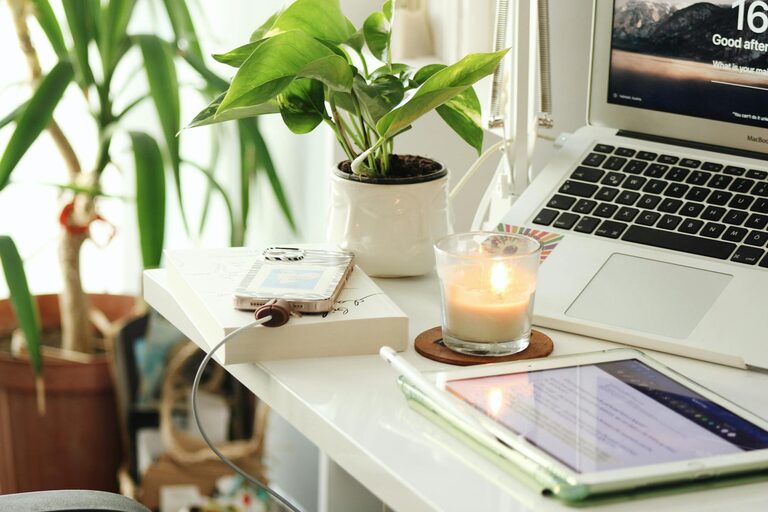
Creating a home workspace that is both cosy and productive can significantly enhance your work-from-home experience. Whether you’re working full-time remotely or need a dedicated area for occasional tasks, a well-thought-out workspace supports focus, reduces stress, and improves overall work satisfaction. Here are detailed tips to help you create a space that’s comfortable and efficient.
Choose the Right Location
Prioritise Natural Light
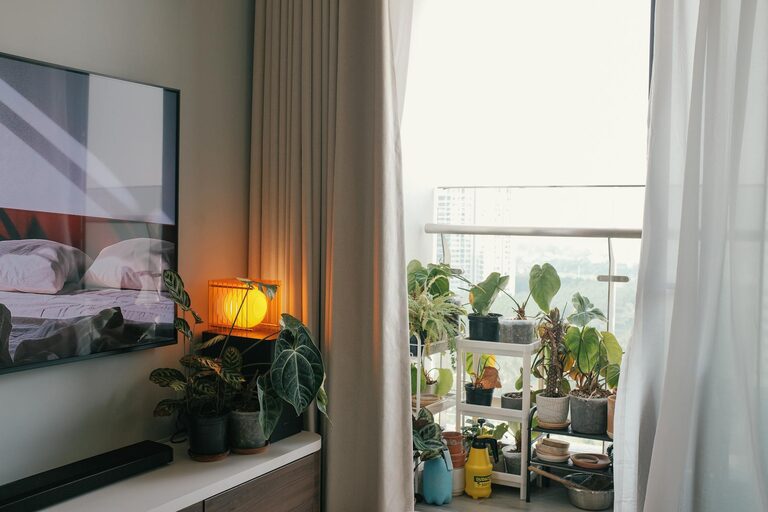
Position your desk near a window if possible, to benefit from natural light. Daylight helps regulate your body clock and can boost mood and energy levels. Avoid harsh glare on your computer screen by angling your desk slightly or using blinds to control brightness.
Minimise Distractions
Select a quiet corner or a less frequented room in your home to limit background noise and interruptions. If space is limited, consider room dividers or noise-cancelling headphones to create a sense of separation from household activities.
Invest in Comfortable Furniture
Ergonomic Chair and Desk
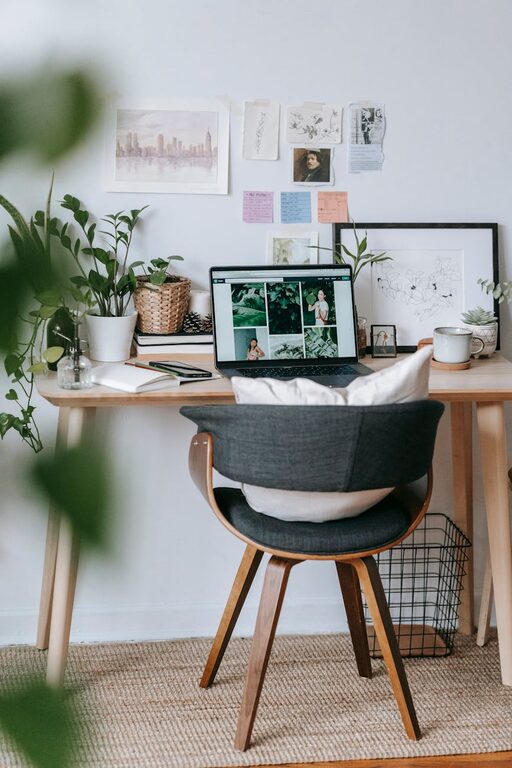
Comfort is key for long hours of work. Choose an ergonomic chair with adjustable height, good lumbar support, and cushioned seating to prevent discomfort and strains. Your desk should be at a height that allows you to work with relaxed shoulders and elbows at about a 90-degree angle.
Flexible Workspace Options
If your work varies during the day, think about using a sit-stand desk or supplementing your main desk with a high table or standing platform. Alternating between sitting and standing can improve circulation and help maintain focus.
Organise Your Workspace Effectively
Declutter and Simplify
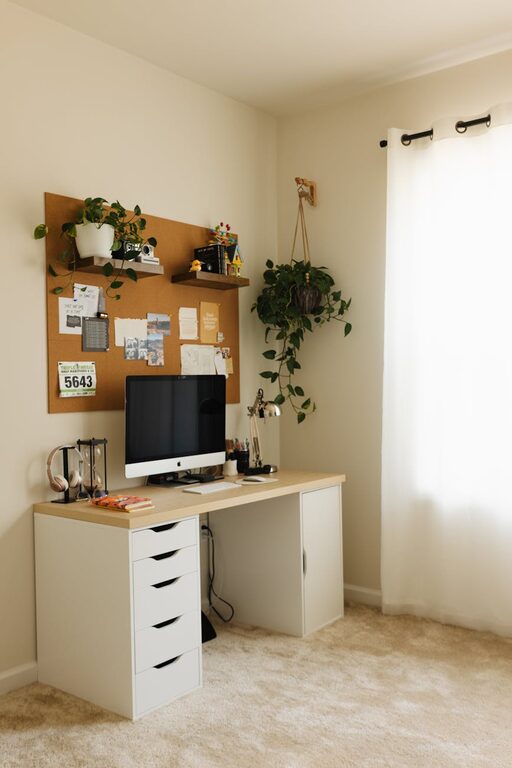
A tidy workspace reduces stress and distractions. Keep only essential items on your desk. Use organisers, trays, or drawer dividers to manage stationery, cables, and documents neatly.
Storage Solutions
Invest in shelves, filing cabinets, or storage boxes to keep paperwork and materials organised but out of sight. Label your storage clearly to find things quickly and maintain an orderly space.
Personalise Your Space for Cosiness
Add Soft Textiles
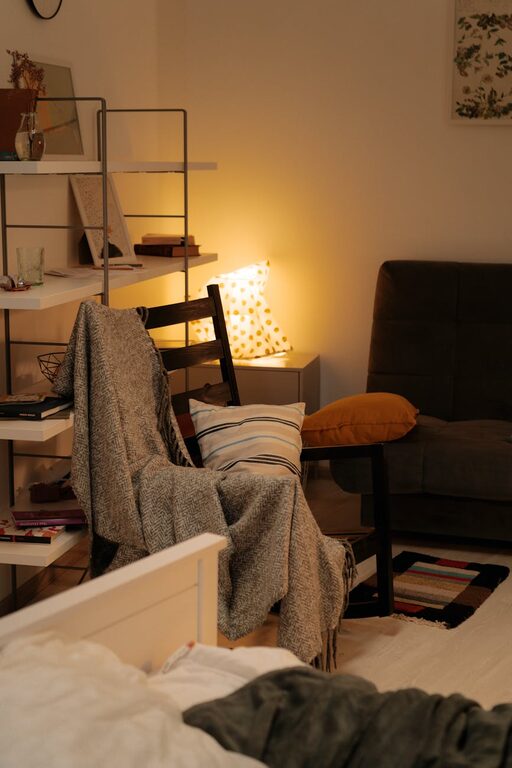
Incorporate cushions, throws, or a soft rug to add warmth and comfort. These elements can make your workspace inviting, helping you feel relaxed and more focused during work sessions.
Favourite Colours and Decorations
Use colours known to aid concentration, such as soft blues or greens, or choose what feels calming to you personally. Add a few personal touches like photos, plants, or artwork to create a space you enjoy spending time in.
Optimise Lighting
Task Lighting
Besides natural light, add adjustable task lighting like a desk lamp to avoid eye strain, especially during early mornings or late evenings. Choose warm or neutral light bulbs rather than harsh whites to maintain a cosy atmosphere.
Avoid Screen Glare
Position screens perpendicular to windows and light sources when possible. Anti-glare screen protectors can also help reduce reflections and improve comfort.
Manage Technology Thoughtfully
Cable Management
Use cable clips, sleeves, or trays to keep cords organised and prevent a tangled mess. A neat setup not only looks better but also reduces distractions and makes cleaning easier.
Quality Equipment
Invest in reliable, good-quality peripherals like a keyboard, mouse, and headset. They not only improve comfort but also support productivity by reducing errors and fatigue.
Set Clear Boundaries
Define Work Hours
Establish regular work hours and stick to them to avoid blending work and personal time. Communicate your schedule to household members to minimise interruptions.
Create a Startup and Shutdown Ritual
Develop routines to start and finish your workday, such as tidying your desk or writing a to-do list. These habits help create mental boundaries between work and relaxation.
Enhance Air Quality and Comfort
Ventilation
Ensure your workspace is well ventilated. Fresh air improves concentration and reduces tiredness.
Temperature Control
Keep the room at a comfortable temperature for working — not too hot or too cold. Use a fan, heater, or humidifier if needed to maintain an inviting atmosphere.
Incorporate Break and Movement Spaces
Dedicated Break Spot
If room allows, include a comfortable chair or small lounge area nearby where you can take short breaks. Stepping away from your desk helps prevent burnout.
Reminders to Move
Use a timer or app to remind you to stretch or walk regularly. Movement boosts circulation and can refresh your mind during long work sessions.
—
By carefully considering these elements, you can create a home workspace that is tailored to your needs. A cosy, well-organised, and efficient environment not only makes working more enjoyable but also helps you maintain focus and perform at your best. Remember, the best workspace is one that balances comfort with functionality — your ideal setup may evolve, so feel free to adjust as you discover what works best for you.
About the Author